Why is an install an incomplete media result?
An install proves distribution, not product value. The buying target should move toward the first action that shows the extension completed its job. That might be a saved item, a successful browser action, an account connection, or another product event the owner can verify.
The product team defines activation because it owns the experience and the data. The media buyer uses that signal to compare campaign cohorts. If the only feedback is install volume, the account will tend to reward the easiest installers rather than the users most likely to benefit.
How should the ad and store listing work together?
Lead with the job the extension performs, then carry that promise through the landing page and Chrome Web Store listing. The user should not have to reinterpret a broad ad when the store page introduces a narrower product or a different use case.
Keep one use case per initial test. That gives the creative, audience, and activation event a shared subject. Once the path is readable, test another use case as a separate campaign rather than merging several promises into one conversion rate.
Why do permissions affect acquisition quality?
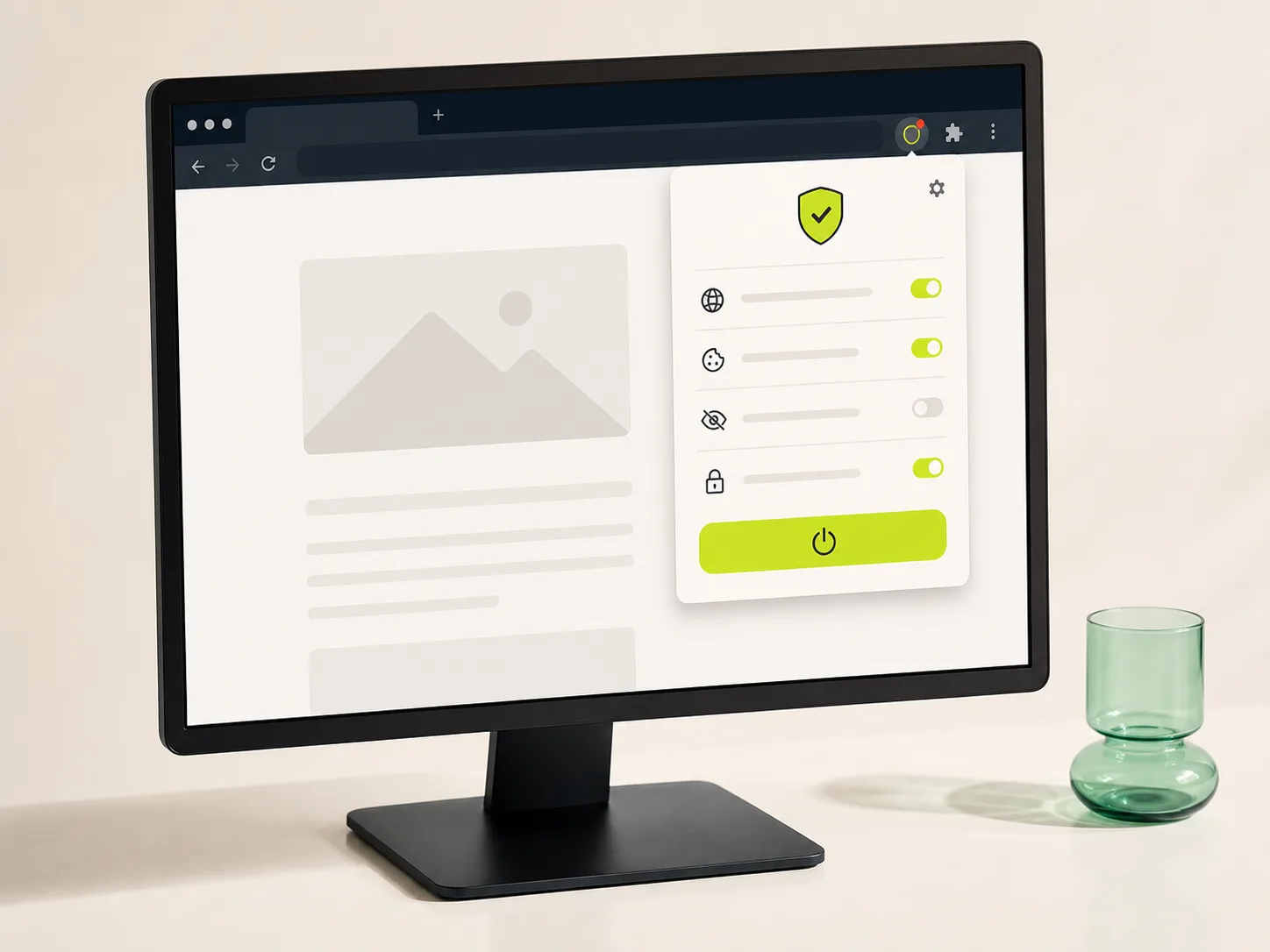
Chrome may show warnings when an extension requests access, and Google advises developers to request only permissions relevant to the product. Optional permissions can also be requested at runtime when the feature allows it, giving the user context at the moment access is needed.
The media plan cannot repair an unnecessary permission request. It can make sure the ad does not hide the product behavior that requires access, and it can show whether certain promises attract users who install but refuse the permission needed to activate.
Sources: Chrome for Developers: declare permissions · Chrome for Developers: permission warning guidelines
Which events belong in campaign reporting?
Use one activation event as the main buying signal and keep installs, permission acceptance, first run, and retained use available for diagnosis. If later value arrives slowly, an earlier event can support allocation only after product data shows that it predicts the later result.
Google Ads uses the same distinction in its conversion setup: primary actions influence bidding, while secondary actions remain available for observation. The label matters less than keeping a shallow event from receiving budget simply because it happens more often.
Sources: Google Ads: primary and secondary conversion actions
How should the first acquisition test be structured?
Begin with one audience, one product job, one creative promise, and one activation event. Keep geography and device assumptions narrow enough to read. Then vary the promise or audience deliberately rather than opening several channels before the first path has produced a useful cohort.
Document the event expected to move and the condition that ends the test. This gives the buyer a stopping rule when install volume looks healthy but activation does not. It also gives the product owner a clear signal when the same loss appears across unrelated traffic sources.
- One product job
- One primary activation event
- A permission explanation checked against the product
- Store listing and ad promise reviewed together
- Activation and retained use read by campaign cohort
When should an app campaign optimize past the install?
Google Ads supports app campaign bidding toward in-app actions, and its guidance recommends choosing the action that matches the campaign goal. The same economic principle applies to browser extensions even when the buying happens through a different campaign type.
Move deeper only when the event is reliable, frequent enough to read, and available under the product's privacy and consent rules. A valuable event that arrives too late or rarely can still guide business judgment, while an earlier validated proxy handles day-to-day allocation.
Sources: Google Ads: app campaign bidding toward in-app actions
Common questions
What metric should a Chrome extension campaign optimize for?
Use the earliest event that product data shows is connected to meaningful use. That may be a completed workflow, first successful action, account connection, or repeated use. Keep installs as a diagnostic when they do not represent the product outcome.
Does Amplify build extension onboarding or store listings?
No. The product owner controls the extension, permissions, store listing, and first-run experience. Amplify manages paid acquisition and reports how campaign cohorts move through the signals the owner provides.
Does a Chrome extension need a separate landing page?
A focused page can help when the ad needs more context than the store listing can carry. The product owner decides and builds that page. The buying team checks that its promise matches the ad and the store listing.
What to test next
Choose the handoff that is costing the campaign the most, then define one change and the signal that should move. A narrow test is easier to read and easier to act on.
Ask Amplify to review the media plan or explore our performance media buying.